
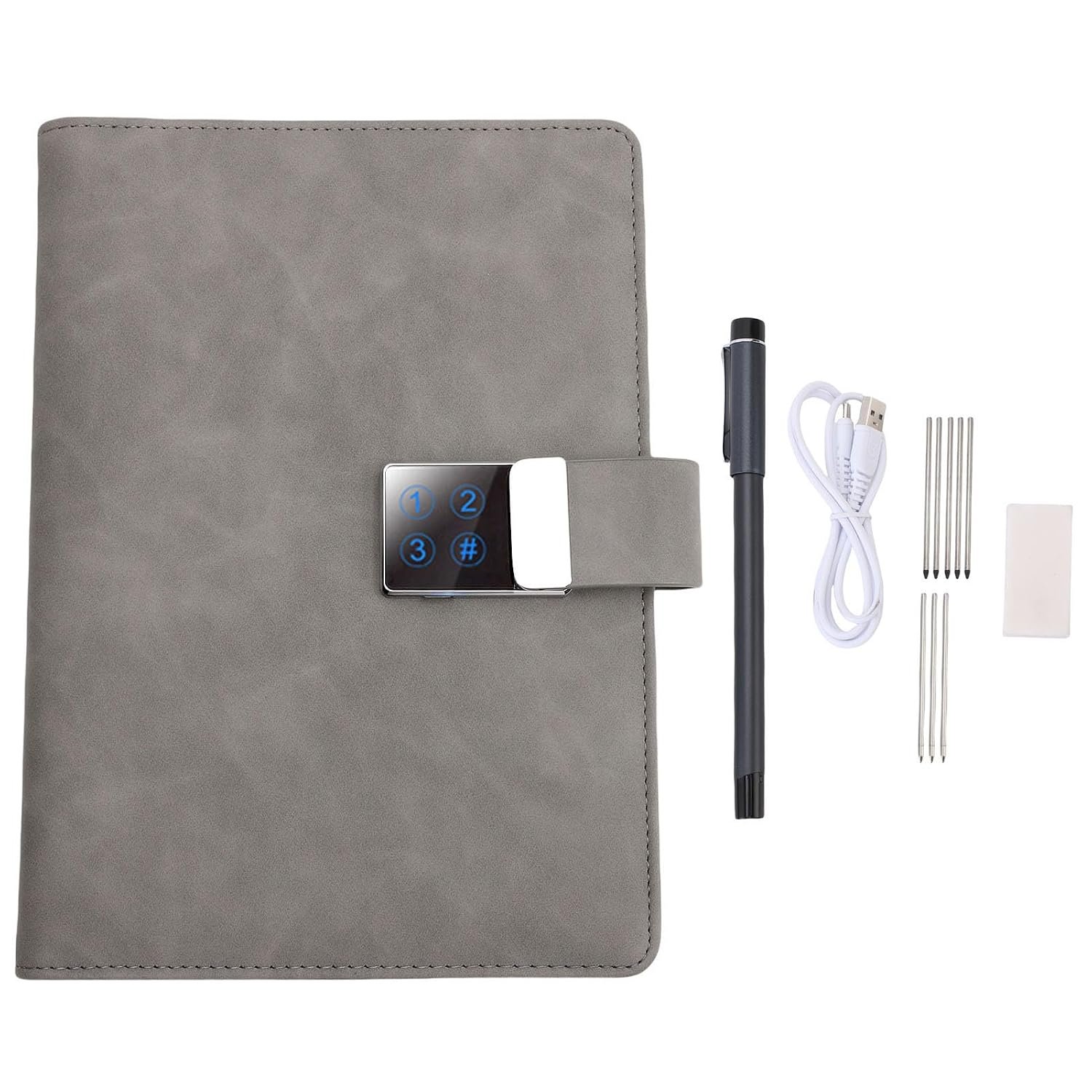
BTSEURY Smart Notebook with AI Voice & Handwriting Recognition, Reusable Writing Set for Real – Time Note Digitization and Sharing
$103.99
Related Products

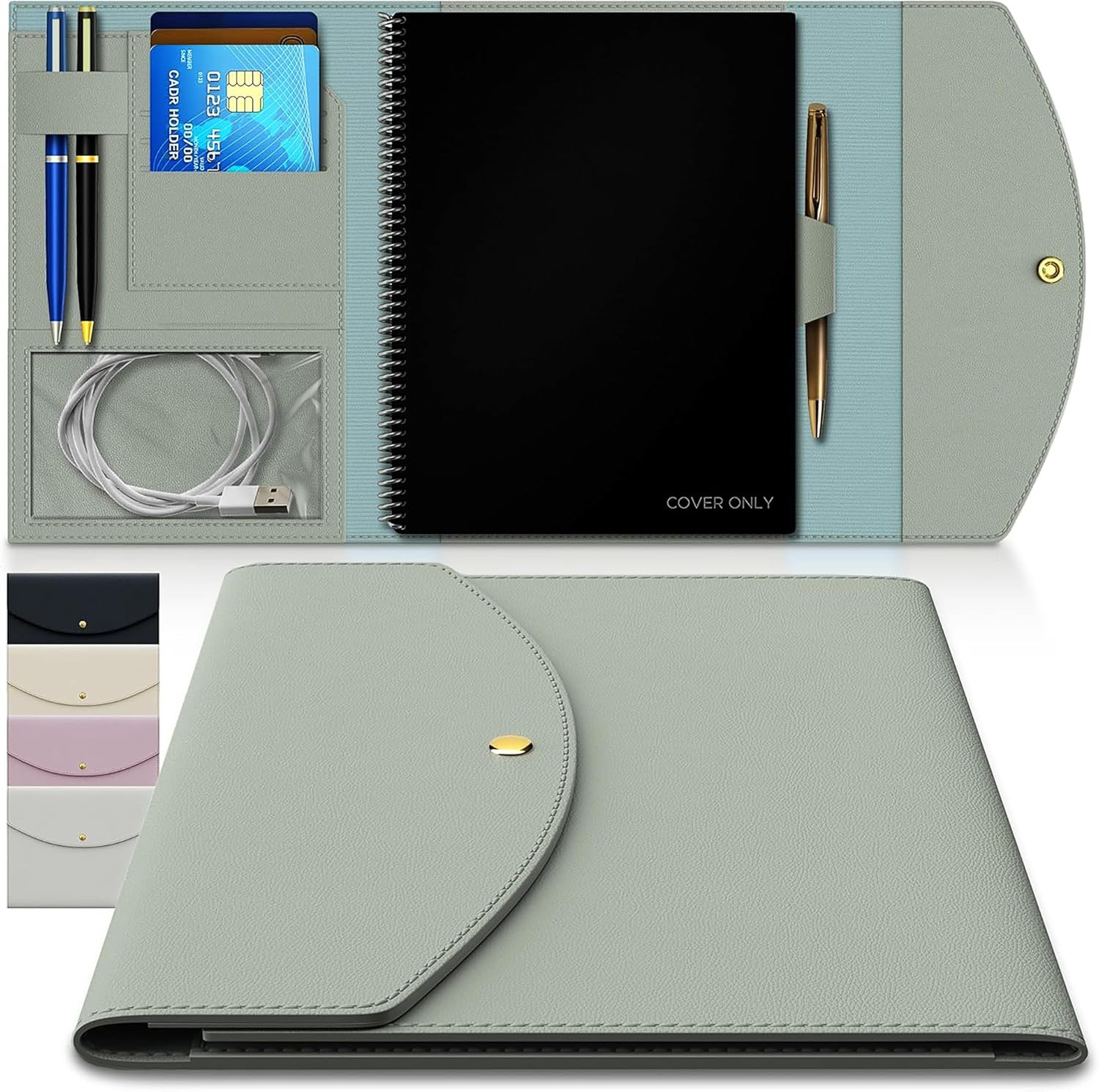


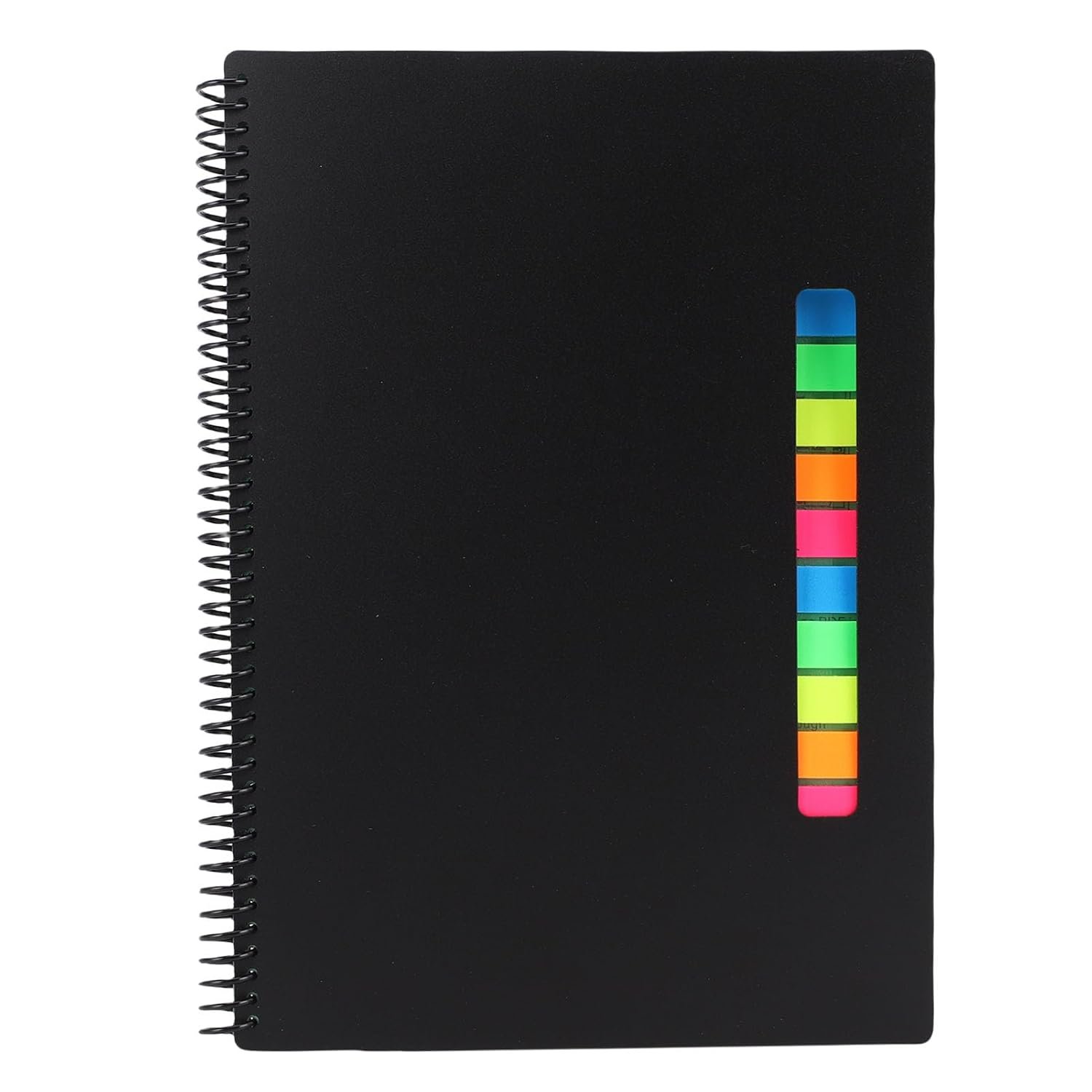





Spec:
Item Type: Smart Notebook
Material: Paper, PU Leather, Aluminum Alloy, Electronic Components
Battery: Lithium ion Battery 78460 250MAH, Built in
Connection: BT 5.0
BT Name: Pen End Number
Features:
1. Real Time Writing Paper Screen Sync (Pen Stroke Playback and Text Erase)
2. Al Voice Image Generation
3. Al Drawing Image Generation
4. Text Sharing. Freely Sharing. Multiple Format Export
5. Text Translation Support
6. Task Reminder
7. Notebook with Calendar and Phone Book Pages for Easy Note Taking
8. Multiple Format Export
9. Real time Save
10. Cloud Storage
11. Offline Cache
12. Pen Stroke Playback
Charging Time: 30 Minutes
App Language Display: Chinese, English
Internal Pages: 80
Product Sizes: Approx. 240 x 175 x 26mm / 9.45 x 6.89 x 1.02in
Binding: Loose leaf
Internal Material: Eye protecting Paper Coring
Password Lock Function:
A. No Password Unlock
In the original default state, there is no password set in the system. Simply enter a 6 digit password and press the # key to unlock.
B. Set password
1. Use the setting needle to find the needle hole (as there may be errors between the needle hole and the setting button during manual production, I cannot arrive the button. In this case, you can try clicking multiple times). Gently poke the setting needle once, and the 123 light will turn on. Tap the number 123123 (any 6-10 digits can be used) # After the light turns on, lightly press # Enter the same 123123 (or any 6-10 digits) # The light will flash twice, and the password setting is successful. If it flashes left or right on the 13th or 2nd side, it means that the or second password is not the same, and the entry fails. Please use the setting needle to lightly poke again and repeat the above steps,
2. Change a new password and repeat the above password setting operation to enter a new password. Up to 10
User Reviews
Be the first to review “BTSEURY Smart Notebook with AI Voice & Handwriting Recognition, Reusable Writing Set for Real – Time Note Digitization and Sharing”
$103.99
There are no reviews yet.